
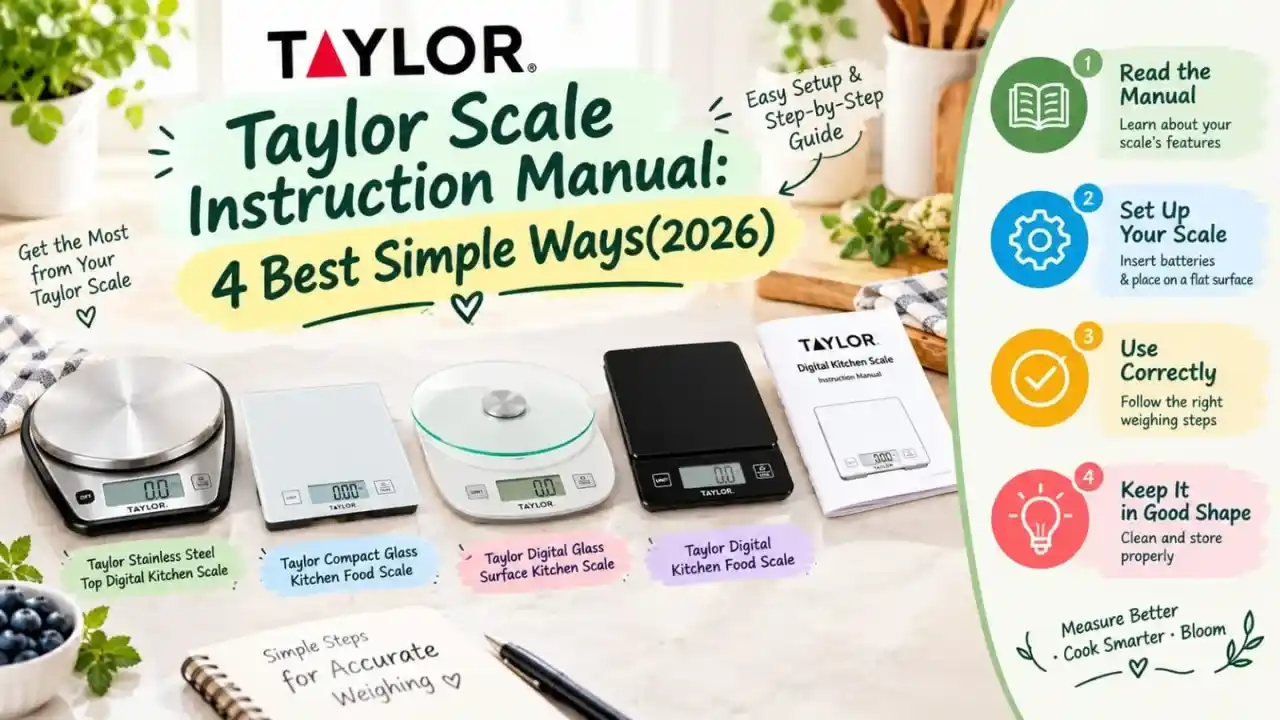
An Taylor Scale Instruction Manual should help you properly operate your kitchen scale. Used for weighing ingredients in grams, ounces, pounds and kilograms Taylor digital scales They can help simplify and standardize cooking and baking measurements.
In this reference, we conclude on at least four variants Taylor kitchen scales and instructions for using them, resetting and calibrating. Getting introduced to tare function, scale symbols and other features here.
Quick Comparison
| Product | Capacity | Main Feature | Best For |
|---|---|---|---|
| Taylor Digital Kitchen Food Scale | 11 lb / 5 kg | Tare + glass surface | Everyday cooking |
| Taylor Digital Glass Surface Kitchen Scale | 11 lb / 5 kg | Easy-clean glass | Home kitchens |
| Taylor Stainless Top Digital Kitchen Scale | 11 lb / 5 kg | Dry and liquid weighing | Cooking & baking |
| Taylor Compact Glass Kitchen Food Scale | 11 lb | Sleek glass design | Everyday use |
1. Taylor Digital Kitchen Food Scale
The Taylor Digital Kitchen Food Scale is perfect for measuring every day ingredients. It offers a tempered glass surface with touch controls and digital display. The tare function enables you to weigh food without incorporating the weight of your container.
Key Features
- Weighs up to 11 lb x 0.1 oz
- Weighs up to 5 kg and increments of 0.001 kg
- Measures up to 5000 g x 1 g
- Black tempered glass platform
- Smooth touch-control buttons
- Tare function
- 0.75-inch digital readout
- It measures Grams, Ounces, Pounds and Kgs
- Includes 2 AAA batteries
- Auto shut-off
Pros
- Easy-to-read display
- Simple touch controls
- Easy-to-clean surface
- Useful tare function
- Multiple measurement units
Cons
- Glass surface may show marks
- Requires batteries

2. Taylor Digital Glass Surface Kitchen Scale — 11 lb
Taylor Digital Glass Scale Measuring and Metric to 11 lb or 5 kg. The platform is made of tempered glass which resists stains and easy to clean after cooking or baking.
Key Features
- Capacity up to 11 lb / 5 kg
- Measurement in 0.1 oz / 1 g increments
- Tempered glass surface
- Easy to clean
- Resists staining
- Auto-Off function
- Tare function
- Low battery indicator
- 0.5-inch LCD
- Uses 2 AAA batteries
Pros
- Simple design
- Easy-to-clean surface
- Tare function
- Low battery indicator
- Standard and metric measurements
Cons
- Requires batteries
- Smaller LCD display

3. Taylor Stainless Top Smart Kitchen Scale
The Taylor Stainless Top Digital Kitchen Scale perfect as both a dry ingredient and liquid measurement scale. The platform is a removable stainless steel tray and can weigh up to 11 lb (5 kg) for dry ingredients.
Key Features
You can feed it with dry ingredients whatever amount you like; up to 11 lb / 5 kg in weight.
- Weighing with precision 0.1 oz / 1 g
- Capacity: weighs liquids up to 175 fl oz / 5000 ml
- Liquid measurements in 0.1 fl oz / 1 ml increments
- 6-inch removable stainless steel platform
- Tare function
- Auto-Off
- Compact design
- NSF certified
- Printed instructions included
- AAA batteries included
Pros
- Measures dry and liquid ingredients
- Removable stainless steel platform
- Useful for baking
- Compact design
- Tare function
Cons
- Requires batteries
- Platform needs cleaning after use

Also read: Good Cook Measuring Cup: 5 Best Measuring Cups for Cooking and Baking
4. Taylor Compact Glass Kitchen Food Scale
The Taylor Compact Glass Kitchen Food Scale is a great everyday scale for your kitchen. Its touch controls let you switch between ounces, pounds, and grams and weighs up to 11 lb.
Key Features
- Capacity up to 11 lb
- Measures ounces, pounds, and grams
- Tempered glass surface
- Stain resistant
- Odor resistant
- Slim design
- Touch controls
- Tare function
- Auto shut-off
Pros
- Slim design
- Easy-to-clean surface
- Simple controls
- Tare function
- Multiple measurement units
Cons
- Glass can show fingerprints.
- Requires batteries

How to Use a Kitchen Scale from Taylor
- Put the scale on a flat and steady surface.
- Place the scale on step and wait for the display to display zero.
- Choose the measurement unit you require.
- Put the bowl or container on the platform
- Press tare to set display back to zero.
- Fill the Container With your ingredient.
- Read the datapad weight weight
- Press tare once again before placing the next ingredient into the bowl.
- Repeat until all of the ingredients are measured.
- Clean the weighing surface after use
Taylor Scale Reset and Calibration
- Clean the weighing platform throughout.
- Turn the scale off.
- The ground must be leveled.
- Inspect the batteries and replace if necessary.
- Turn the scale back on.
- Wait until the panel resets to zero.
- For a reset of the taylor scale, read the procedures for your specific model.
- Calibration steps will differ Taylor models.
- Calibrate scale models according to specific instructions from the maker (e.g. taylor scales calibration).
- Immediately check the surface and batteries if reading is incorrect.
- Second, you should use a high precision digital scale, placed on the same stable surface for a consistent reading.
Bake and Cook with Taylor Scale Feature
Tare – The tare function eliminates the weight from a bowl or container;
- Measurement could be in grams, ounces, pounds or kilograms.
- Measurements are easy to read with digital displays.
- Some models include auto shut-off.
- On some models, a low-battery indicator.
- Standard measuring tool with kitchen scale bakery, you can easily weigh dry ingredients as well.
- Grams are great when you follow metric baking recipes.
Digital vs analog scale options
- If it is fox run digital kitchen scale or any other alternative, then why you should compare floor capacity, units, display, tare function and platform size.
- Choose both a small footprint & weighing capacity for tiny digital scale.
- prints
- Requires batteries
Also read: Best Camping Stoves for Outdoor Cooking in 2026
Final Thoughts
Taylor scale instruction manual is more conveniently to know how a kitchen scale will use, reset, and care. It is important to note that Taylor scales are straightforward digital weight scales ideal for everyday cooking and baking with tare and multi-units.
This you choose Taylor scale based on cooking entries, capacity scale display and platform design. Never set the scale on an unstable surface and always follow the directions for your model when you reset it or calibrate it.
FAQs
Q1. How to operate a Taylor scale?
Place the scale on a flat surface, turn it on, select your preferred unit, and place the ingredient or container on the platform. Use the tare button when measuring ingredients in a bowl.
Q2. What do the symbols on my Taylor scale mean?
The symbols usually represent measurement units or functions such as grams, ounces, pounds, kilograms, tare, or low battery. The exact symbols can vary by model.
Q3. How do I reset my Taylor scale?
Remove everything from the platform, turn the scale off, check the batteries, and turn it back on while it is placed on a flat surface. For exact steps, check your model’s instructions.
Q4. How do I calibrate a Taylor scale?
Calibration can vary by Taylor model. Place the scale on a level surface and follow the calibration instructions provided for your specific model.
Q5. Can I use a Taylor scale for baking?
Yes. A Taylor kitchen scale can help measure baking ingredients by weight, including measurements in grams and ounces.
Q6. What is the tare function on a Taylor scale?
The tare function sets the display back to zero after placing a bowl or container on the scale, allowing you to measure only the ingredients added afterward.
Q7. Can Taylor scales measure liquids?
Some Taylor models can measure liquids. The Taylor Stainless Top Digital Kitchen Scale listed in this article supports liquid measurements.


